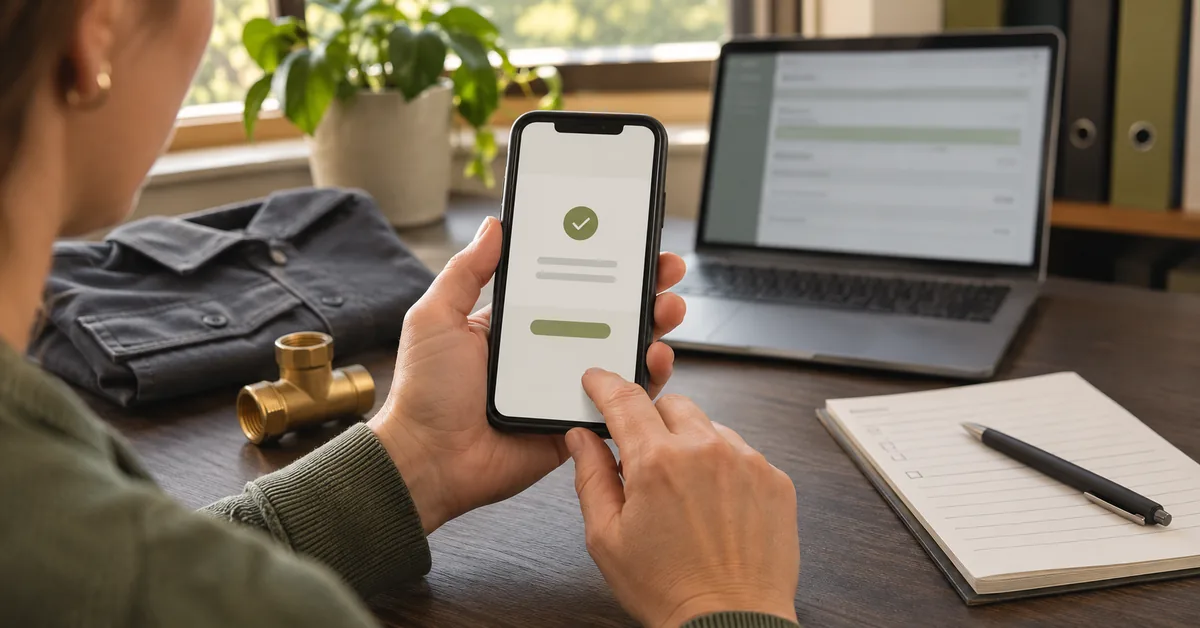
Open your website on your phone and try to call your own office. Which number does the phone offer to dial? If the number is right, let the call go through. Who answers?
That's a useful place to start if you want a website that converts visitors into customers. The phone tap looks like a success in a report even if the call goes to an old line.
Write about the problem that brought them here
Suppose you install gutters in Baton Rouge. A homeowner might know there's a puddle against the foundation after every storm. They might have no idea what size gutter to ask for.
Show the kind of water problem you can fix. Use a photo from a job, explain how you figured out what was wrong, and say what happens when someone requests a visit. The homeowner can see whether it resembles their situation.
Five things to check between the visit and the call
1. Easy navigation
Ask someone to find the service page from your home page. Watch which label they try first. If they take a wrong turn, our guide to clear navigation can help you fix the menu.
2. One main next step
Decide what you want someone to do on this particular page. A repair page might offer a call. An installation page might offer a written estimate. Put the main button beside the information someone needs to make that choice. Tell them when they can expect an answer.
3. Speed on a phone
Open the service page on a mobile connection. Does the heading and photo appear before you're tempted to reload? For a number you can compare over time, look at Largest Contentful Paint. Google calls 2.5 seconds or less good when at least three quarters of visits meet that mark. How Google measures loading speed
If the biggest delay is a full-size photo, start there. Our mobile design guide goes into what to check on a smaller screen.
4. Proof close to the decision
Put a photo of a repair or a customer review beside the service it describes. A homeowner reading about a panel upgrade gets more from seeing a finished installation than from a row of five stars with no explanation.
5. A request that reaches a person
Send a test estimate request from your phone. Open the notification with the person who answers estimates and hit Reply. Whose address comes up? Check that the customer's phone number and requested service made it through, too.
Then ask a recent customer, “What were you trying to do when you came to the site?” Someone who wanted an emergency number and someone comparing quotes had different jobs for the same page. Their answers can help you choose what to change first.
Count the requests the office actually gets
Say a service page gets 1,000 visits and the office can trace five inquiries to it. That's five inquiries per thousand visits, or 0.5%. If next month it gets ten inquiries from the same number of visits, the rate is 1%. These are example numbers. A button tap, a genuine inquiry and a booked job are three different things to count.
Pick one service, follow its call or form all the way through, and write down where you got stuck. If you'd like me to look at that path with you, tell me which service you're trying to book.

Keegan has built 140+ websites since 2015. Today he builds websites and local search systems that get home service businesses more calls.
More about Keegan