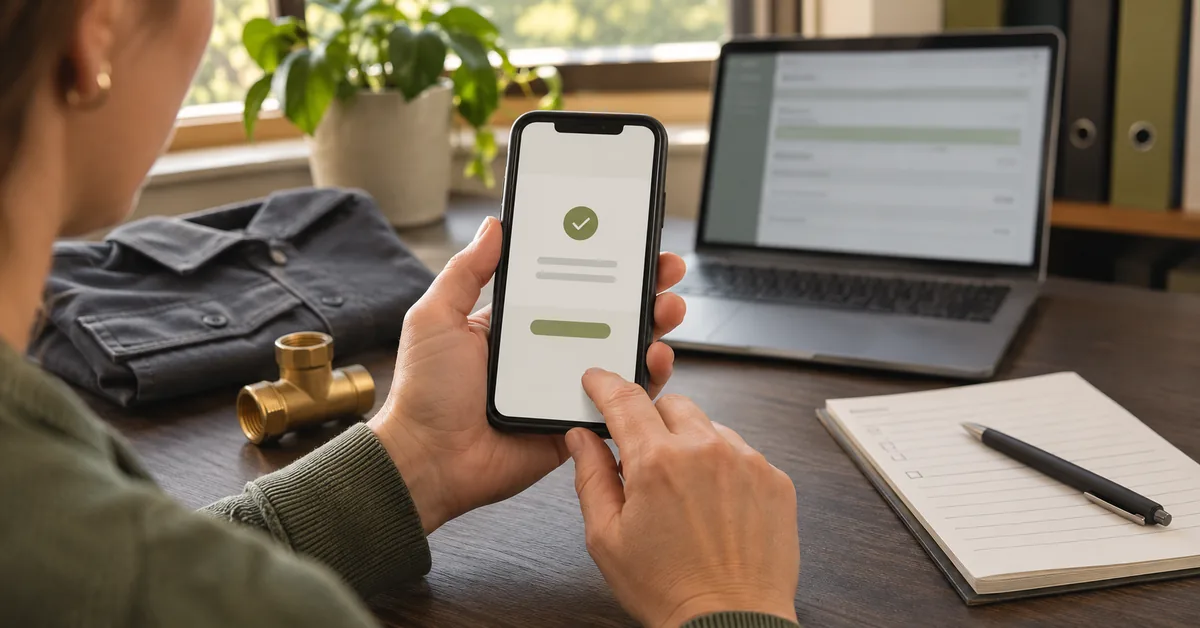
When you test an estimate form, it’s easy to stop at the thank-you screen. I like to ask whoever answers the requests to open the email with me. That’s where we can see whether the person who asked for an estimate will actually hear back.
Start where a customer would
Say a homeowner needs a new water heater. Open the water heater page on your phone and try to ask for an estimate. A saved link takes you straight to the form. Starting one page earlier tells you whether the next step on the service page is easy to find.
Give the office a heads-up and mark the request “Test only.” Use a phone number you can answer and an email address different from the office inbox. Add a detail someone would need for the estimate, like the size of the tank. Note the time you sent it.
Read the reply from both sides
What did your phone show after you tapped Send? If it said somebody would call you shortly, what would “shortly” mean to someone standing beside a leaking tank on a Sunday? Give people a callback window your office can actually meet.
Now open the notification with whoever handles estimates. Can they see the phone number and the tank size? Have them hit Reply. Whose address comes up?
On our own site, we check where the notification lands and where the reply goes. Those can be two different places. If the office sees its own address in the To field, a customer could wait all afternoon while the reply sits in the office inbox. I’d check the form’s Reply-To setting first. To see how an estimate request reaches the office, try our estimate workflow demo.
Follow it to the callback
“If this were a real request, who would call the homeowner back?” A shared inbox can work just fine. If the two people who check it each thought the other one would call, you’ve found the part that needs attention.
Fix the first thing that got in the way and send the request again. If the office can reply to your test address and tell you who would make the call, you’ve checked the part a thank-you screen can’t show you.

Keegan has built 140+ websites since 2015. Today he builds websites and local search systems that get home service businesses more calls.
More about Keegan